For construction companies
Keep every crew, jobsite and tool in one live system.
Follow a practical example of a contractor moving tools and materials from a central warehouse to several active sites.
Business exampleNorthline Construction is a fictional workspace used to demonstrate a realistic multi-jobsite workflow.
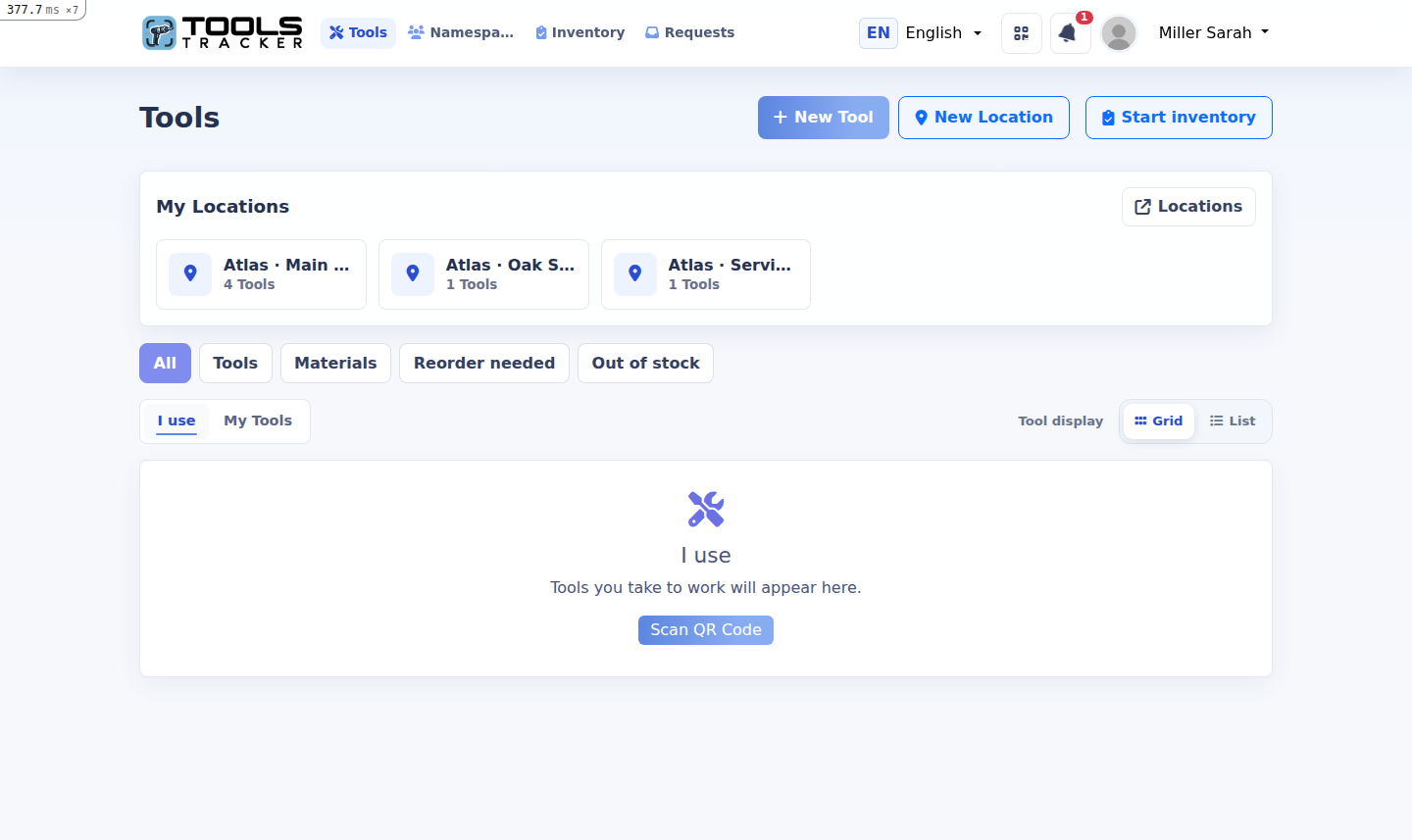
3active jobsites
5crews
128tracked items
1shared history
Business example
From the central warehouse to the right crew.
Each movement updates the responsible person or location while managers keep a company-wide view.
- 01Create the company workspaceAdd managers, foremen and field workers.
- 02Register inventoryAdd tools, materials, photos and QR codes.
- 03Create every jobsiteUse locations for the warehouse and active projects.
- 04Issue to the crewSend tools to people or move them directly to a site.
- 05Check and returnComplete inventory checks and keep the history.
The result
Less searching across every project.
The office and the field work from the same current inventory.
✓Current responsibilitySee the worker or jobsite holding each tool.
✓Jobsite visibilityReview tools and material stock at each location.
✓Traceable movementsKeep every acceptance, return and warehouse move.
Start for free
Set up your construction workspace.
Add the main warehouse and send the first tool to a crew.