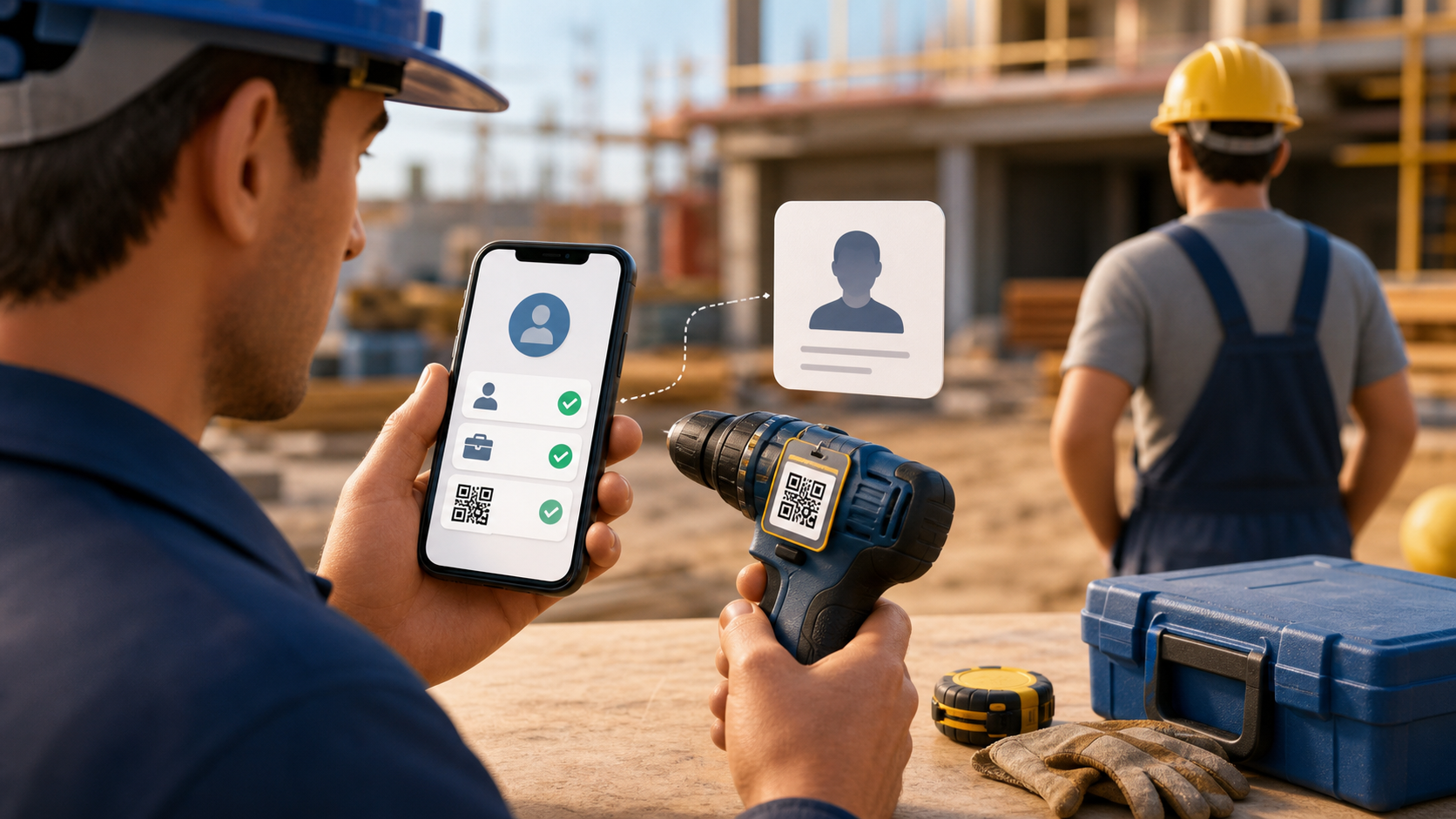
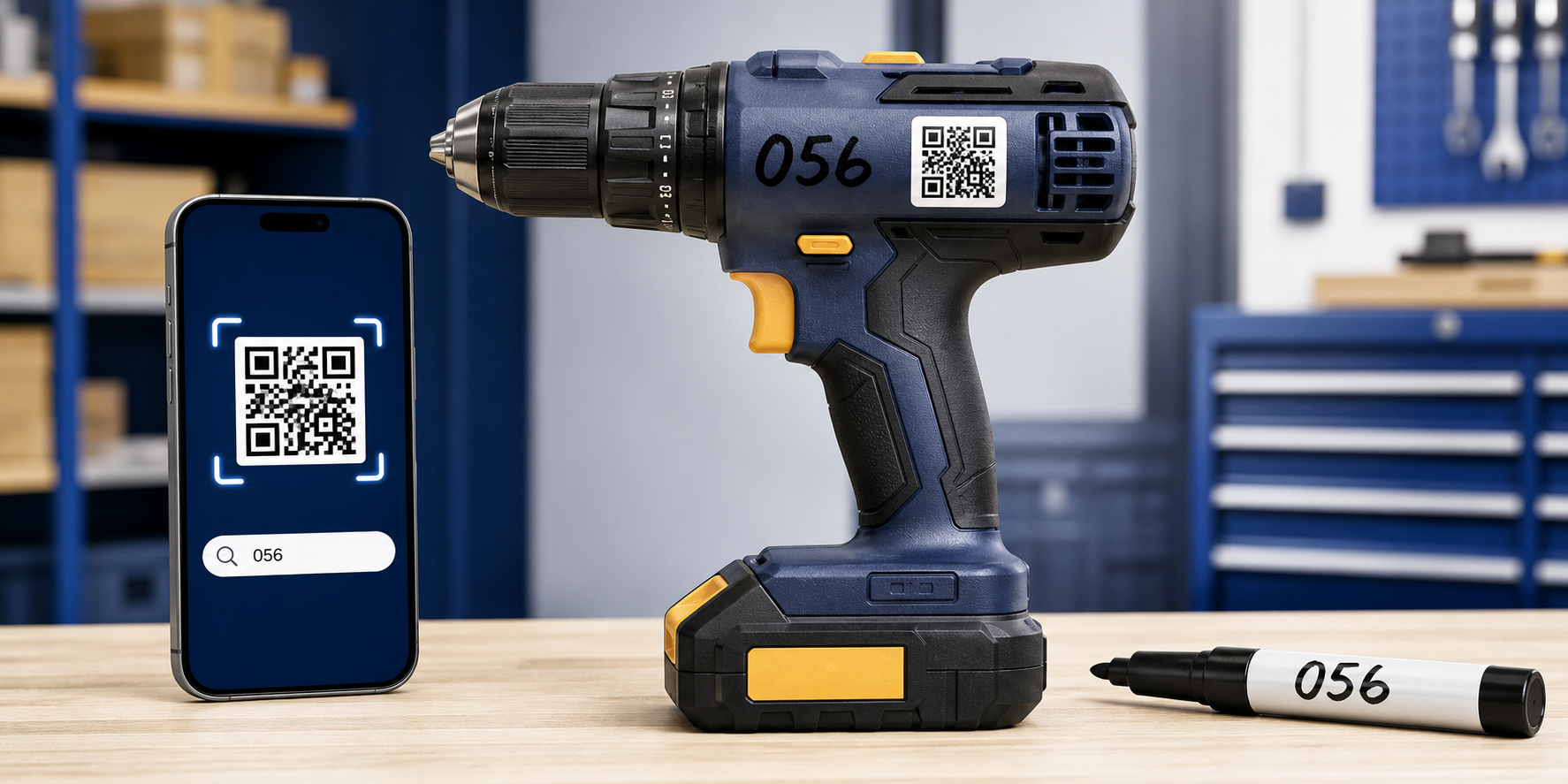
QR scanning is the fastest way to open a tool card, but it is not the only practical option. A label can be damaged, the camera may be unavailable, or a team may need to start tracking equipment before printed QR labels arrive.
Tools Tracker supports both workflows. On the tool page, choose to add a code, then scan an existing QR label or enter a value manually. For example, enter 056 and save it as the tool’s unique code.
The same 056 can be written directly on the tool with a permanent marker, applied as a number sticker, or engraved where appropriate. Keep leading zeros: 056 and 56 are different codes.
Later, scan the QR code when it is available. To use the short number, open the relevant workspace and type 056 in its tool search. Custom-number search is intentionally limited to the selected workspace, so internal team codes do not leak into a global search.
This is useful for workshops, warehouses, construction crews, and gradual inventory rollouts. Start with short visible numbers today and add durable QR labels later without rebuilding the catalog.
Use short unique codes, never assign the same number to two tools, place the marking where it remains visible, and register the code immediately.
- manual tool number
- QR code scanner
- find tool by code
- asset marking